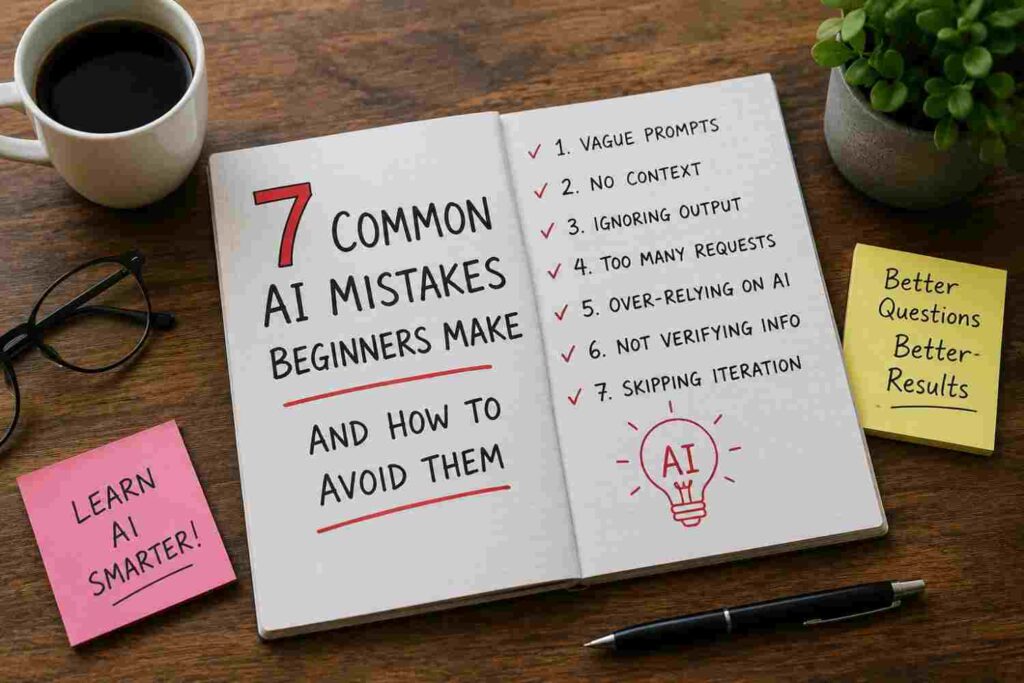
You ask an AI tool for help, and the answer feels off — too vague, too confident, or just plain wrong. Before you blame the technology, it’s worth checking your own habits first. Most beginner frustration with AI doesn’t come from the tool itself. It comes from a handful of avoidable mistakes almost everyone makes when they’re starting out.
The good news is that none of these mistakes require technical knowledge to fix. Once you spot them, you can correct course in minutes. Here are the seven most common ones, why they happen, and exactly how to avoid them.
1. Trusting Every Answer Without Checking It
AI tools sound confident even when they’re wrong. This is one of the biggest traps for beginners — the smooth, well-written tone makes mistakes easy to miss.
This happens because AI models predict likely-sounding text based on patterns, not verified facts. They don’t “know” things the way a search engine pulls from a database. If a model hasn’t seen reliable information on a topic, it may still generate an answer that sounds accurate but isn’t — a problem often called “hallucination.”
How to avoid it:
- Double-check names, dates, statistics, and quotes against a trusted source before using them.
- For anything important — medical, legal, financial, or academic — treat the AI’s answer as a starting point, not a final answer.
- Ask the AI directly: “How confident are you in this answer, and what could make it wrong?” This won’t guarantee accuracy, but it often reveals weak spots.
Real example: A student once asked an AI tool to list the publication dates of a famous author’s novels. Three of the five dates were wrong by a year or more — not because the tool was broken, but because it filled gaps with its best guess instead of verified data.
2. Writing Vague, One-Line Prompts
“Write me something about fitness” and “help with my essay” are prompts, technically — but they leave the AI guessing about tone, length, audience, and purpose.
Vague prompts lead to vague, generic answers. The AI has to fill in the blanks itself, and it often fills them in the wrong way.
How to avoid it:
- Include the topic, audience, format, and length in your request.
- Add context about your goal. Are you writing for a boss, a teacher, or a friend?
Weak: “Help with my essay.” Better: “Review my 500-word essay on climate change for a high school assignment. Point out where my arguments are weak and suggest clearer transitions.”
3. Expecting the AI to Remember Everything
Many beginners assume an AI remembers every detail from earlier in a long conversation — the way a human assistant would. But depending on the length of the conversation and the tool being used, older details can get pushed out or overlooked.
This leads to confusing moments where the AI seems to “forget” a name, preference, or instruction given several messages ago.
How to avoid it:
- Restate key details periodically in long conversations, especially names, numbers, or specific instructions.
- If the AI gives an answer that ignores something you said earlier, AI repeat it directly rather than assuming it will connect the dots.
- For ongoing projects, keep a separate note with key facts you can paste back in when needed.
4. Asking for Too Many Things in One Prompt
Beginners often try to save time by cramming multiple requests into a single message: “Write a business plan, a marketing slogan, a logo description, and a pricing strategy.”
This overwhelms the response. The AI tries to cover everything at once, and the result is usually shallow across the board instead of strong in any one area.
How to avoid it:
- Break big requests into separate prompts, one task at a time.
- Finish and refine one section before moving to the next.
Instead of: “Give me a workout plan, meal plan, and sleep schedule.” Try: Start with “Create a 3-day beginner workout plan for someone with no gym experience,” then follow up separately for meals and sleep once that’s solid.
5. Ignoring the Need for Follow-Up Questions
A lot of beginners treat the first AI response as final, AI even when it’s not quite right. But AI conversations work best as a back-and-forth, not a single exchange.
How to avoid it:
Use simple follow-up prompts to sharpen the answer:
- “Make this shorter.”
- “Explain the second point in simpler terms.”
- “This is too formal — rewrite it casually.”
- “Give me two more options in a different style.”
Treating the first answer as a rough draft — not a finished product — is one of the fastest ways to improve results without learning any new skills.
6. Using AI for Tasks It’s Not Built For
AI language models are excellent at writing, summarizing, brainstorming, and explaining. They are not calculators, search engines, or real-time data trackers by default. Beginners sometimes ask AI tools for live stock prices, exact current weather, or precise math on large numbers, then get frustrated when the answer is outdated or slightly off.
How to avoid it:
- Use AI for language-based tasks: writing, editing, summarizing, brainstorming, explaining concepts.
- For real-time information — news, prices, weather, sports scores — use a tool connected to live data, or check whether your AI assistant has real-time search enabled.
- For precise calculations, double-check important numbers with a calculator, especially with large or complex figures.
7. Not Reviewing AI Output Before Publishing or Sending It
This is the mistake with the biggest real-world consequences. Beginners sometimes copy an AI-generated email, report, or social media post and send it without reading it closely first.
Problems this creates:
- Factual errors slipping into professional or academic work
- A tone that doesn’t match the situation (too casual for a boss, too stiff for a friend)
- Repeated phrases or awkward transitions that read as clearly AI-generated
- Missing personal details that make the content feel generic
How to avoid it:
- Always read the full output before using it, not just skim the first few lines.
- Edit in your own voice — add specific details only you would know, like a real project name or a personal anecdote.
- Read it out loud. Awkward AI phrasing is easier to catch when heard rather than just read silently.
Real example: A small business owner once used an AI-written email to reply to a customer complaint. The draft was polite but used the wrong customer name, carried over from an earlier prompt in the same conversation. A quick read-through would have caught it before it was sent.
A Simple Habit That Fixes Most of These Mistakes
If there’s one habit that solves the majority of these problems, it’s this: treat AI like a smart but inexperienced assistant, not an all-knowing expert.
A good assistant needs clear instructions, occasional reminders, and a final review before their work goes out the door. Give the AI the same treatment — clear prompts, restated context when needed, ai and a careful read-through before you hit send — and most beginner mistakes disappear on their own.
Conclusion: Better AI Results Start With Better Habits, Not Better Tools
None of these seven mistakes are really about the AI being “bad.” They’re about small habits that are easy to build once you know what to look for. Fact-check confident-sounding answers, write clear and specific prompts, ai break big requests into smaller ones, and always give the final output a real read-through before using it.
Start with just one fix today — maybe it’s finally writing more detailed prompts, or finally double-checking facts before you hit publish. Small changes like these compound fast, and within a week or two, you’ll notice AI tools working the way they were supposed to all along: as a genuinely useful assistant, not a source of frustration.
Frequently Asked Questions
1. Why does AI sometimes give confidently wrong answers? AI models generate text based on patterns in their training data, not verified facts in real time. When they don’t have reliable information on a topic, they can still produce a smooth, confident-sounding answer that happens to be inaccurate. Always fact-check important details.
2. Is it normal for AI to forget things I said earlier in a conversation? Yes, especially in long conversations. Depending on the tool, older messages can get pushed out of the AI’s working memory. Restating key details periodically helps keep the conversation accurate.
3. Can beginners really improve AI results without learning to code? Yes. Nearly all common AI mistakes are fixed through better prompting habits and careful review — no coding or technical background required.Treating the first answer as a rough draft — not a finished product — is one of the fastest ways to improve results without learning any new skills
4. Why does AI-written content sometimes sound generic? Generic output usually comes from vague prompts. Adding specific details — audience, tone, format, and real examples — helps the AI produce content that feels less templated and more tailored.
5. Should I always fact-check AI-generated information? Yes, especially for anything factual, technical, medical, legal, or financial. Treat AI output as a helpful first draft rather than a verified final source.

